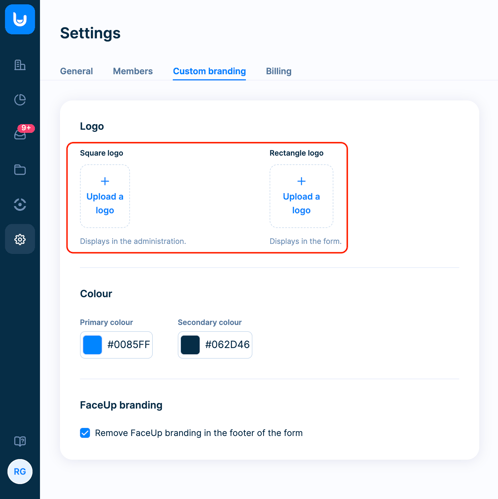
Custom branding creates a consistent, trustworthy experience for everyone on the platform.
Administrators work in a familiar, branded environment, and third-party investigators or auditors can instantly identify whose administration they're in.
Reporters immediately recognize the organization they're reporting to, which reduces hesitation and builds confidence that their report is going to the right place.
This is especially valuable when embedding the reporting form into your own website, intranet, or other portals, where keeping the look and feel of your brand makes a real difference.
You can find the custom branding settings under Settings → Custom branding.
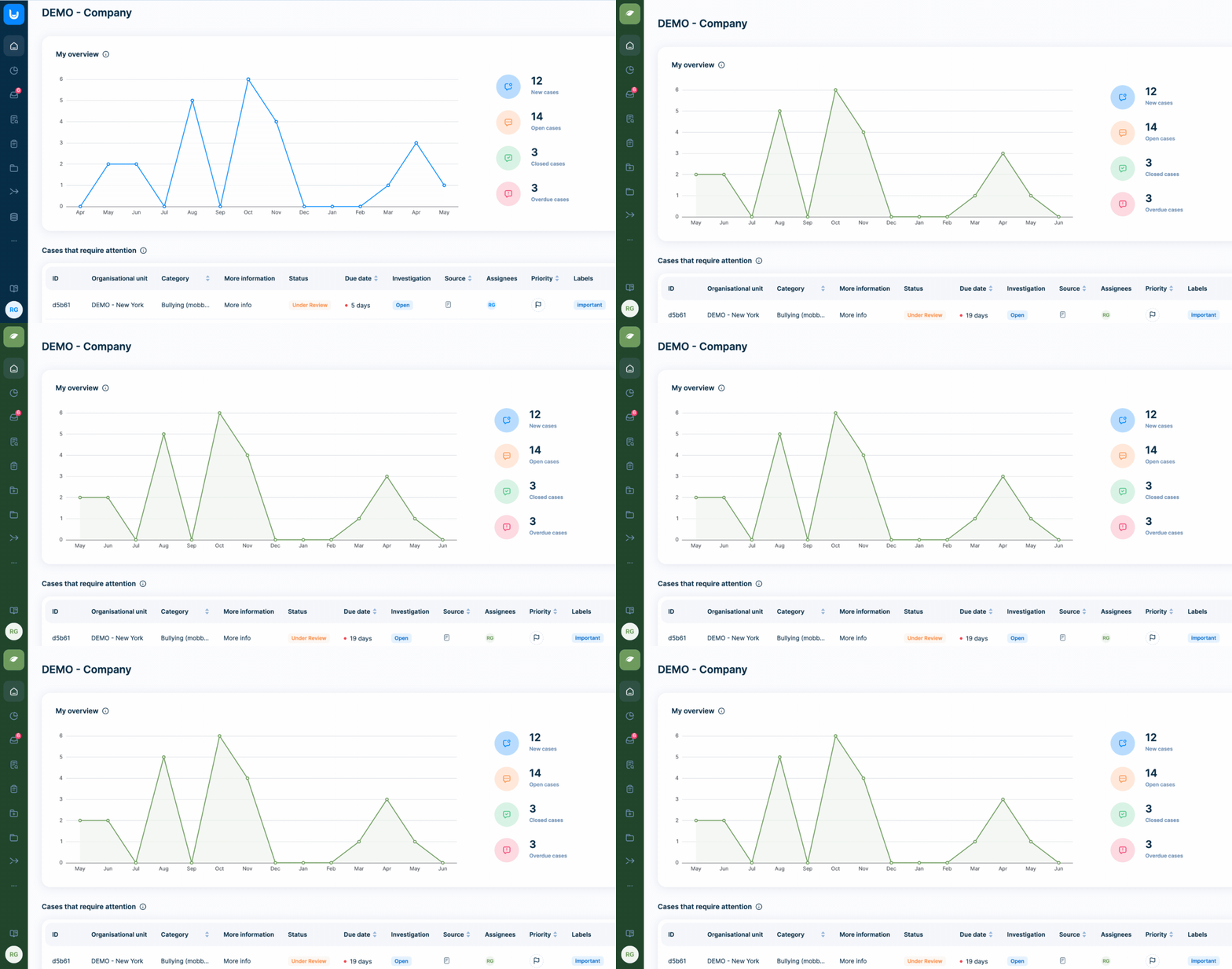
Logo
Upload your logo to have it displayed in the administration, replacing FaceUp logo. For best results, use a square image of at least 48 × 48 px. To customize the logo shown on your forms, head to the form customization settings.
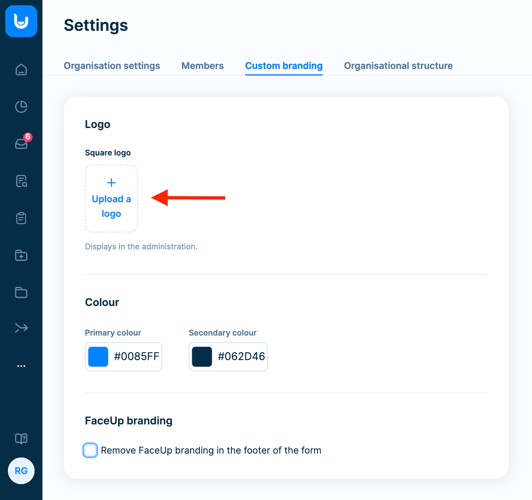
Color scheme
Change the primary and secondary colors to match your company branding. Your chosen colors will be reflected across the administration (e.g. analytics, buttons, and menu bar) as well as on your forms. Additionally, you can change the form color in the form customization settings.
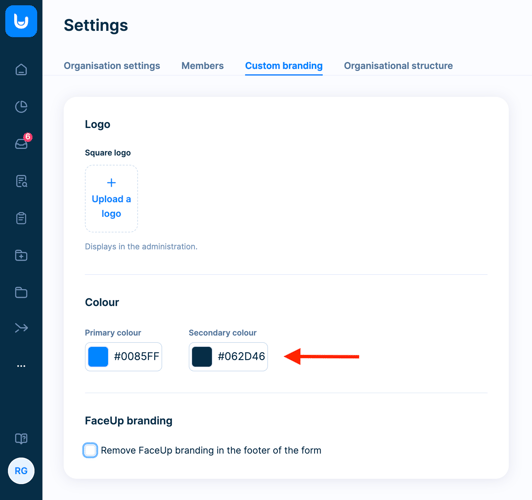
FaceUp branding
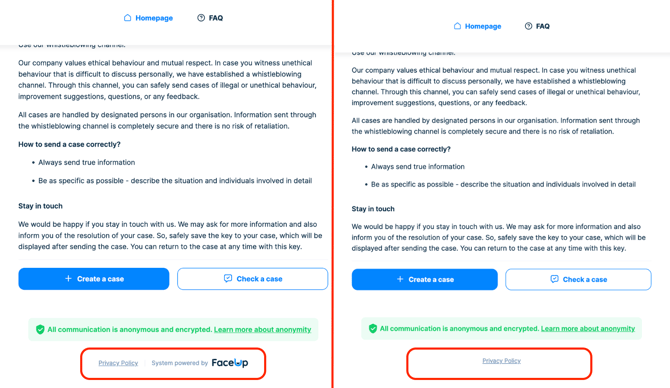
Remove the FaceUp footer from all your reporting forms by toggling off the FaceUp branding option.
Partner branding
In addition to client branding options, partners can apply their own custom branding to the partner administration, as well as to the administration and forms of any organizations they manage. This can be done directly in the partner administration under Settings → Custom branding.
Partners can also include their own logo on client forms, enabling co-branded forms.