
A survey follow-up can be initiated either by the person who submitted the survey or by an administrator in response to a received survey answer. You can handle survey follow-ups just like cases, with all the same tools for communication, assignment, and tracking.
Once follow-up has been initiated and there is at least one message sent by a respondent or member of the administration, a case is created from the survey response and is displayed in the overview among other cases.
1) Survey follow-up initiated by a member of the administration
-
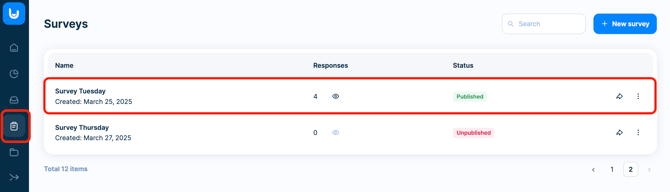
If the respondent hasn't written anything first, and you need to start the follow-up communication, go to the Surveys section.
-
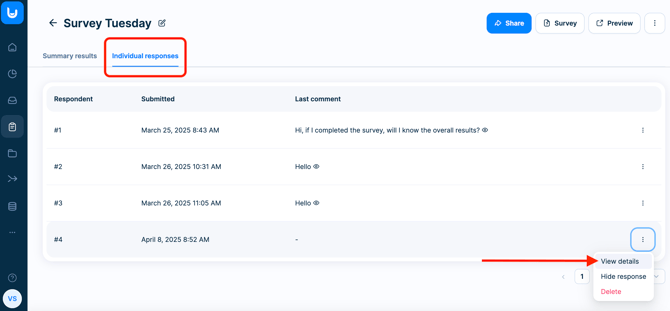
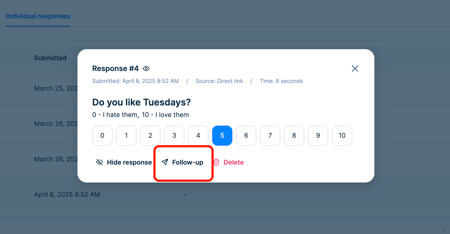
Find the survey and navigate to the Individual responses. Select the response you want to follow-up on, and click the Follow-up button.
-
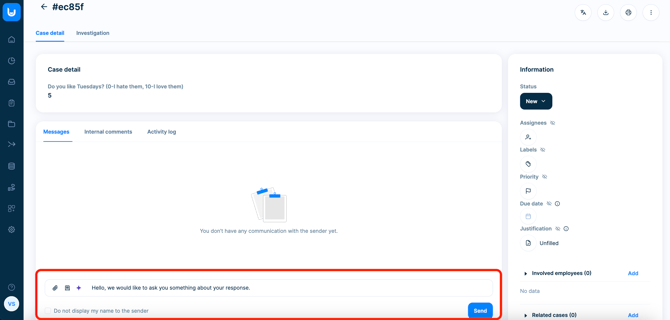
The case is created when at least one message (sent by a member of the administration or a respondent) exists. Once the case is created, it appears among the other cases in the case overview.
2) Survey follow-up initiated by the respondent
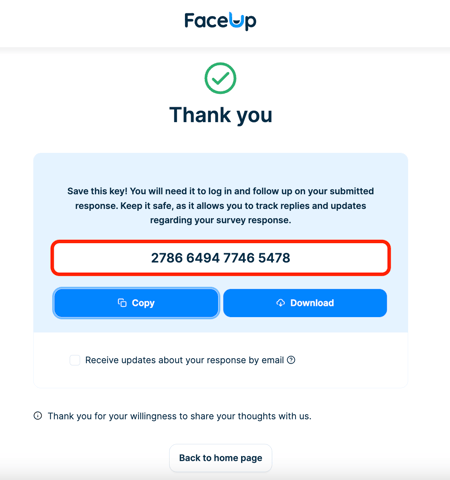
- Once the survey is submitted, a unique key is generated - similar to cases. The key can be downloaded or copied and respondent can also fill in the email to receive notifications.
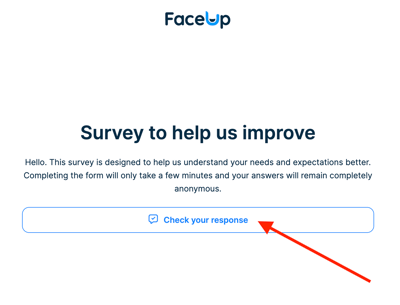
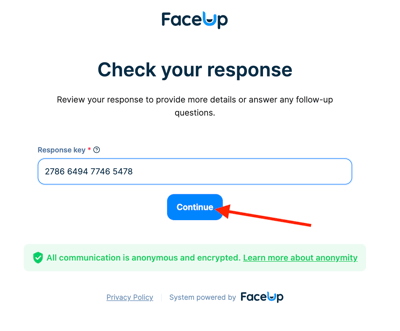
- Using this key respondent can (on the home page of the survey) log in to the response and initiate follow-up communication.
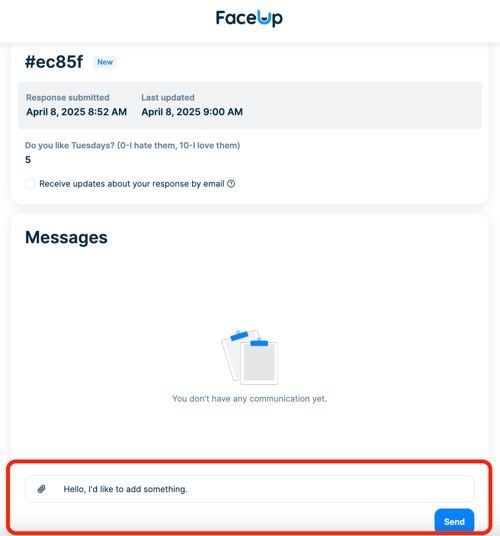
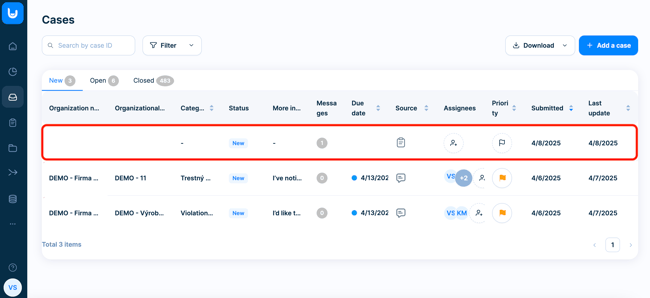
- After the respondent writes a first message, a new case is created and you can find it on the overview along with the other cases so you can easily continue to communicate and solve the case.
Working with the follow-up survey in administration
- In the administration on the cases overview page, you can find all follow-up survey cases alongside other existing cases from other sources.
- You can manage this cases just like other cases in the system: Assign members, add labels, set a due date, add internal comments, conduct an investigation etc.